
Real-time dashboards
One-click visibility into Sales, F&I, Service, Parts, Schedules, and Financials.
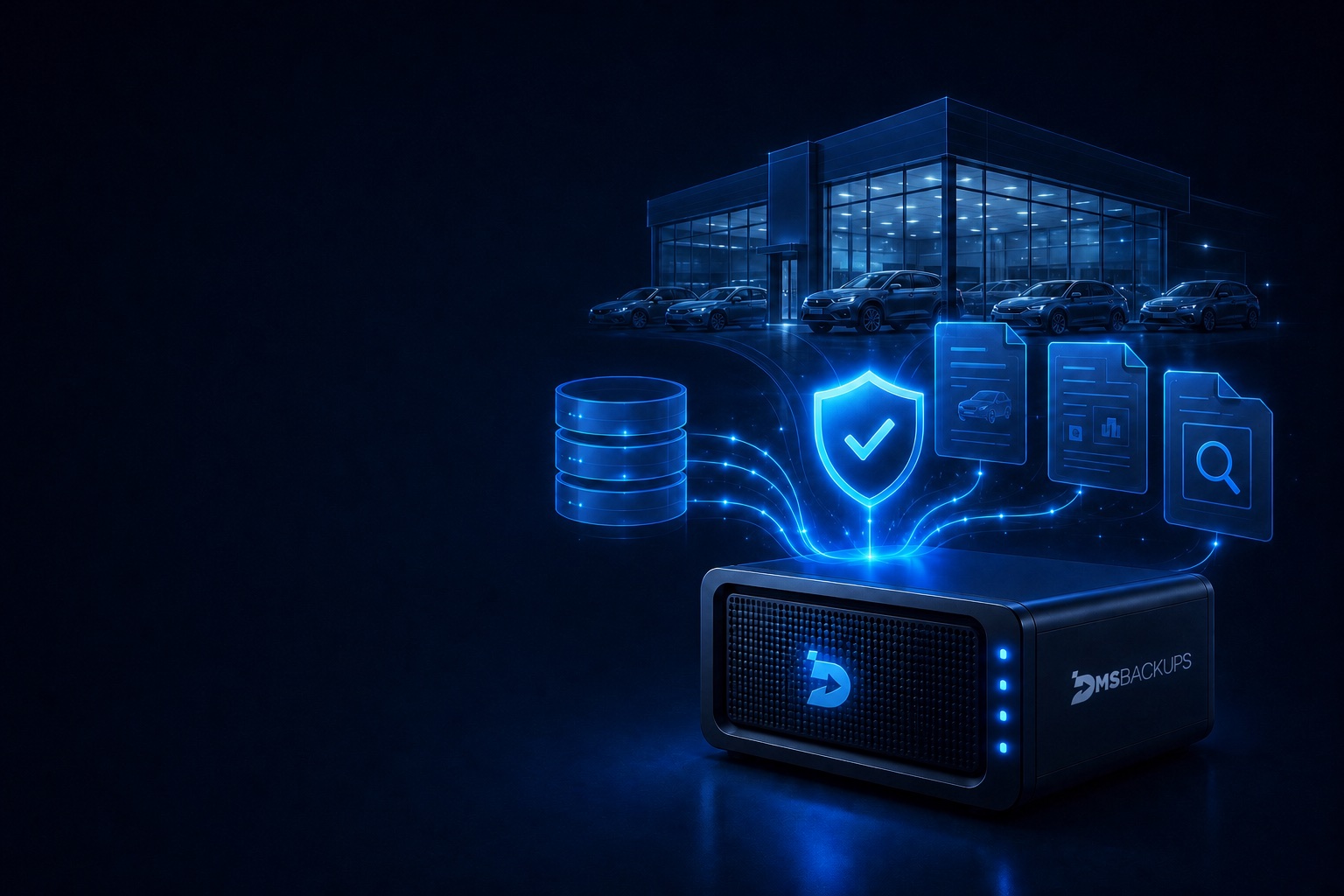
DMSbackups synchronizes operational records across every department—then makes them searchable through DMSbackups
Prepare for audits, renewals, and incidents with independent, searchable, daily synchronized backups.
20-50% lower
Cyber premiums
Industry benchmarks for dealerships with verified backup and endpoint controls versus those without.
Up to 41%
Claim severity
Potential reduction in ransomware claim severity when tested recovery is in place.
~16 days
DMS downtime
Average DMS paralysis without an effective recovery path after an attack.
Based on industry benchmarks; results vary by carrier, controls, and dealership profile.
The FTC Safeguards Rule (16 CFR Part 314) requires many dealers to maintain a written information security program, including recoverable backups and incident response planning. DMSbackups provides independent, daily synchronized copies with searchable retrieval, supporting compliance documentation and the proof carriers expect at cyber insurance renewal.
A dealership can follow strong security practices and still lose access to critical information because of ransomware, vendor outages, system failures, or compromised administrator accounts.
DMSbackups creates an independent copy of your dealership data outside the production DMS environment, so your recovery does not depend entirely on the same platform that failed or was attacked.
Backup current · records available for independent retrieval
Primary DMS
Live dealership system
Secure synchronization
Scheduled backup transfer
DMSbackups environment
Independent retrieval layer
Local detachable storage
Dealership-controlled media
Daily synchronization complete. Operational records preserved on local media.
Your dealership's security program should address more than preventing an attack. It should also establish how the business will respond, recover, and continue operating after one.
Independent backups can support:
Primary DMS
Operational source
Accounting
GL · Journals
Payroll
History · ROE
F&I
Contracts · Deals
Sales
Deals · CRM
Service
RO · History
Parts
Inv · PO
Search results
RO #48291
2019 Accord · Oil & inspection
Deal #11842
Stock #A2041 · Feb 28, 2026
Contract packet
Deal #11842 · Document bundle
Document preview
RO #48291
2019 Honda Accord · Service
Synchronization status
Local storage status
synchronized
Daily sync complete · records preserved locally
Every revenue-producing and administrative function in your dealership connects through the DMS. DMSbackups preserves that complete operational graph—not isolated exports.
DMSbackups
Complete backup object
Department coverage
Select a department to see what DMSbackups preserves and how teams use it.
8 departments
Complete operational graph · daily sync
GL
Preserve the full GL trail—schedules, closings, and transaction history—so finance can keep working when the DMS is down.
Protected in backup
How teams use it
Reconcile month-end, pull statements, and trace intercompany entries from the backup environment.
Search, open, and retrieve accounting records in DMSbackups without live DMS dependency.
DMSbackups is a working environment for synchronized dealership data—search, open, and retrieve records without rebuilding the primary DMS.
Universal search — VIN, RO, stock #, deal #, customer…
Department filters
Search criteria
Search results
Record preview
RO #48291
2019 Honda Accord · VIN …4352
Select a result or switch to View for documents and media.
DMSbackups maintains an independent access layer and dealership-controlled local storage—physically separable from the network when your operational policy requires it.
Backup current · records available for independent retrieval
Primary DMS
Live dealership system
Secure synchronization
Scheduled backup transfer
DMSbackups environment
Independent retrieval layer
Local detachable storage
Dealership-controlled media
Daily synchronization complete. Operational records preserved on local media.
DMSbackups gives staff with physical access to the connected backup drive access to synchronized historical records, so critical operational context remains available during an interruption.
Operational scenario
Primary DMS becomes unavailable
The live DMS session is interrupted. Day-to-day transactional workflows pause.
Live transactional workflows paused
Interruption detected
DMSbackups provides access to synchronized historical information and supporting records. It does not replace every live transactional function of the primary DMS.
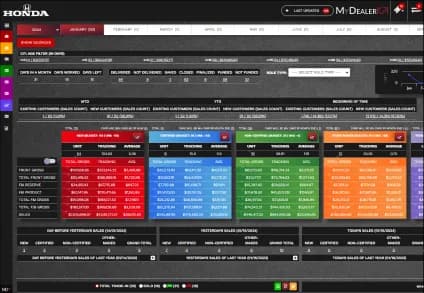
MyDealerKPI + DMSbackups
Your data, your way—protected backups plus real-time analytics that turn operational history into actionable dealership performance.
One-click visibility into Sales, F&I, Service, Parts, Schedules, and Financials.
Air-gapped daily backups with DMSbackups search and locally controlled storage.
Secure foundation plus peak performance—minimize downtime risk while gaining clear KPIs.
A short assessment helps identify coverage gaps across departments, storage architecture, and continuity readiness—before the next outage or DMS change.
Practical guides for evaluating backup completeness, local control, and operational continuity.
A practical checklist to evaluate whether your current backup includes every department, supports retrieval, and meets continuity requirements.
A complete DMS backup preserves operational records across every department—not just customer exports. This guide outlines what dealership leaders should expect from full coverage.
Cloud and local backup models offer different control and separation characteristics. Dealerships often benefit from local control with dependable synchronization.
Review your DMS environment, current backup process, storage architecture, and continuity requirements with a DMSbackups specialist.